How Quantum Works
A complete visual journey through 10 product sections, from discovery to daily savings.
1. Discover Value
Explore real-time gas analytics and see exactly how much you’re overpaying on Ethereum transactions. Our landing experience shows you live gas prices and calculates potential savings instantly.
- Live gas price monitoring
- Instant savings calculator
- Transparent optimization previews

2. Install Extension
Add the Quantum browser extension with a single click. Compatible with Chrome, Firefox, Brave, and Edge. No complex configuration required.
- One-click installation
- Multi-browser support
- Lightweight & fast
3. Wallet Setup
Connect your existing wallet or set up our Labyrinth wallet with built-in optimization features. Full non-custodial control—your keys, your crypto.
- MetaMask, WalletConnect support
- Labyrinth wallet option
- Non-custodial security

4. Access Control
Hold QTM tokens to unlock premium features. Different tiers provide different levels of optimization, from basic predictions to full automation.
- Automatic tier detection
- No staking required
- Instant upgrades

5. Purchase & Activation
Purchase QTM tokens directly through our fiat onramp—no complex crypto exchanges needed. Credit card, bank transfer, and crypto payment supported.
- Fiat onramp (card/bank)
- Crypto swap integration
- Instant activation
Easy Onramp
6. Dashboard Control Center
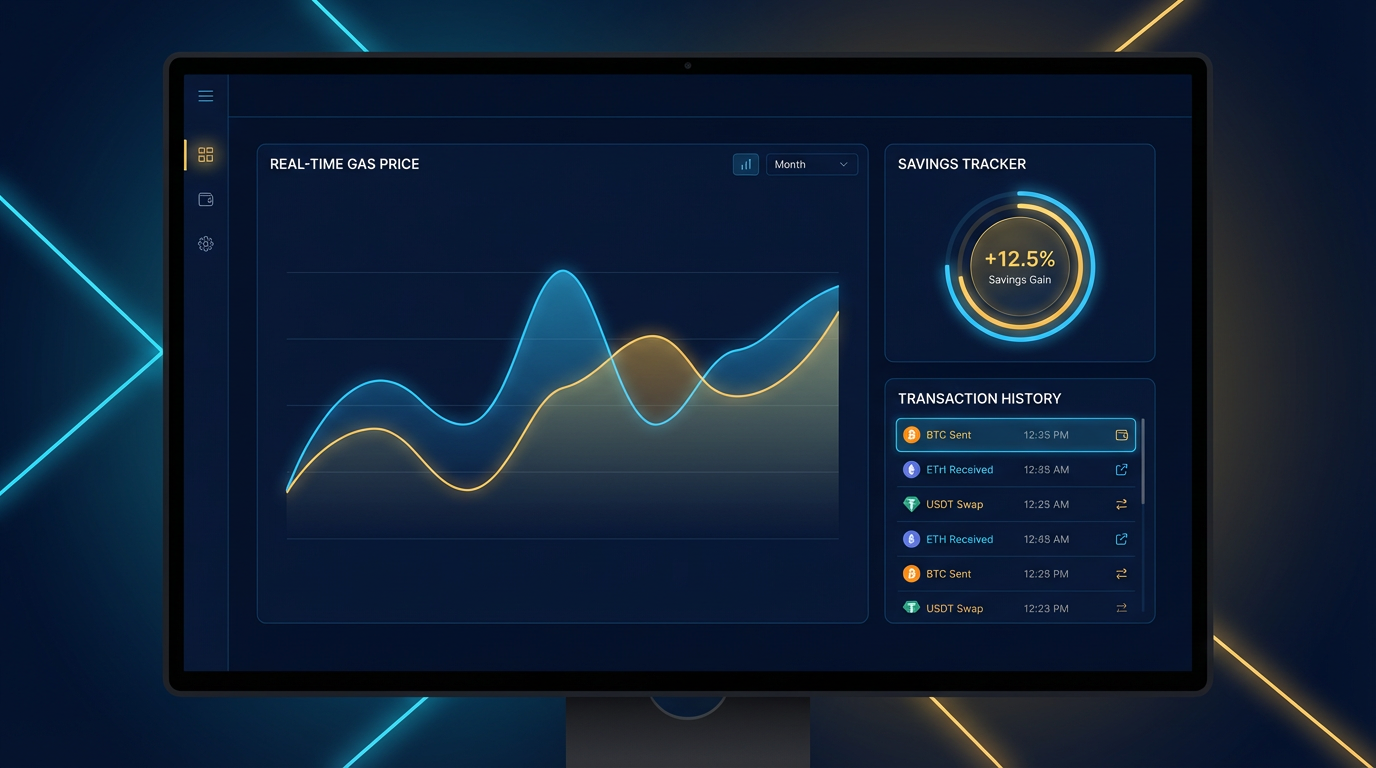
Access your personalized dashboard showing real-time gas predictions, savings history, transaction analytics, and optimization settings.
- Real-time gas predictions
- Savings analytics
- Transaction history
7. Extension in Action
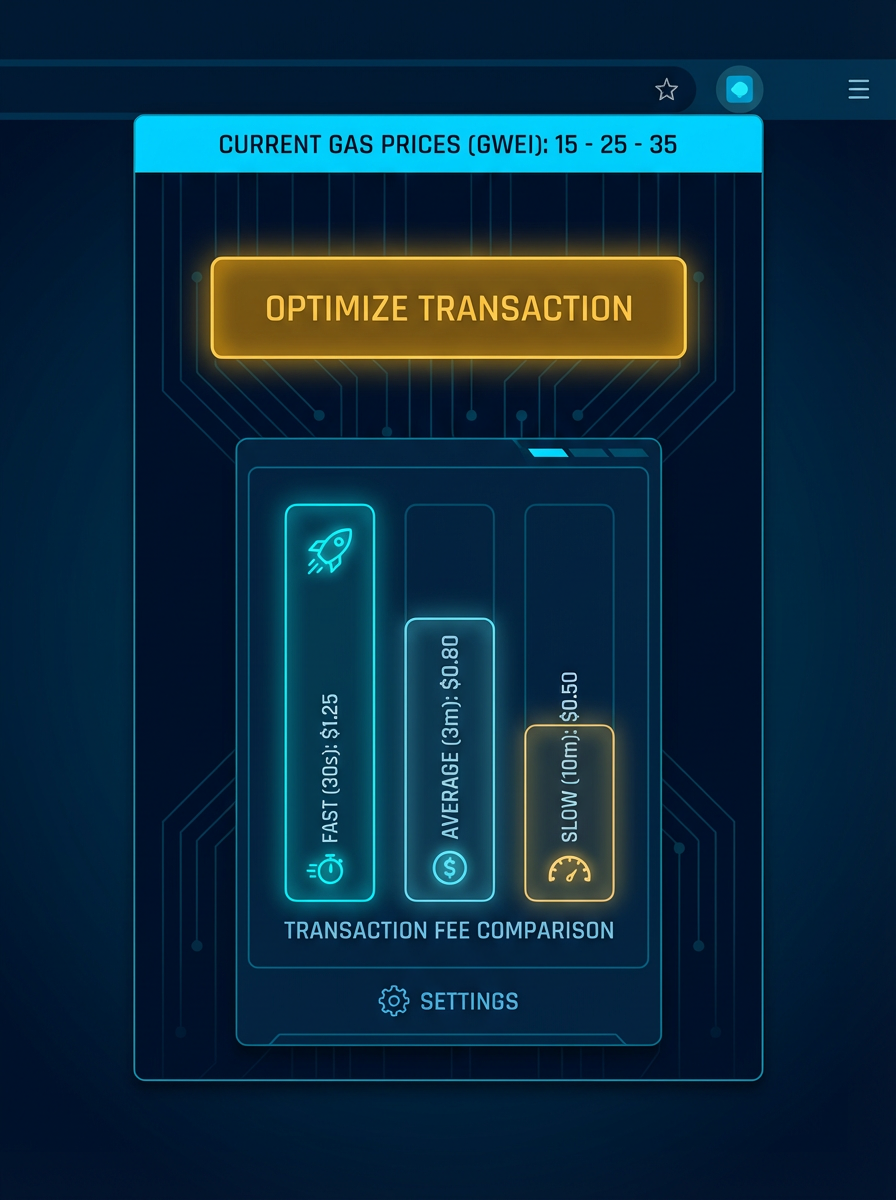
When you interact with any dApp—Uniswap, OpenSea, Aave—the extension overlays optimization suggestions directly on the confirmation screen.
- dApp overlay interface
- One-click optimization
- Works with all dApps
Seamless dApp Integration
8. AI Optimization Engine
Our AI analyzes mempool data, network congestion, block utilization, and 1000+ variables to predict the optimal gas price and timing for your transaction.
- 1000+ data points analyzed
- 95% prediction accuracy
- Sub-second processing
Neural Network Predictions
9. Savings Tracking
Track every dollar saved with detailed analytics. See your cumulative savings, per-transaction optimization, and compare costs with and without Quantum.
- Cumulative savings dashboard
- Per-transaction breakdown
- Exportable reports
Proof of Value
10. Settings & Control
Customize optimization aggressiveness, set max gas price limits, configure notifications, and manage your wallet connections—all from one place.
- Custom optimization levels
- Gas price alerts
- Multi-wallet management
Your Preferences